In-house IT staff vs outsourced managed IT services for midsize factories?
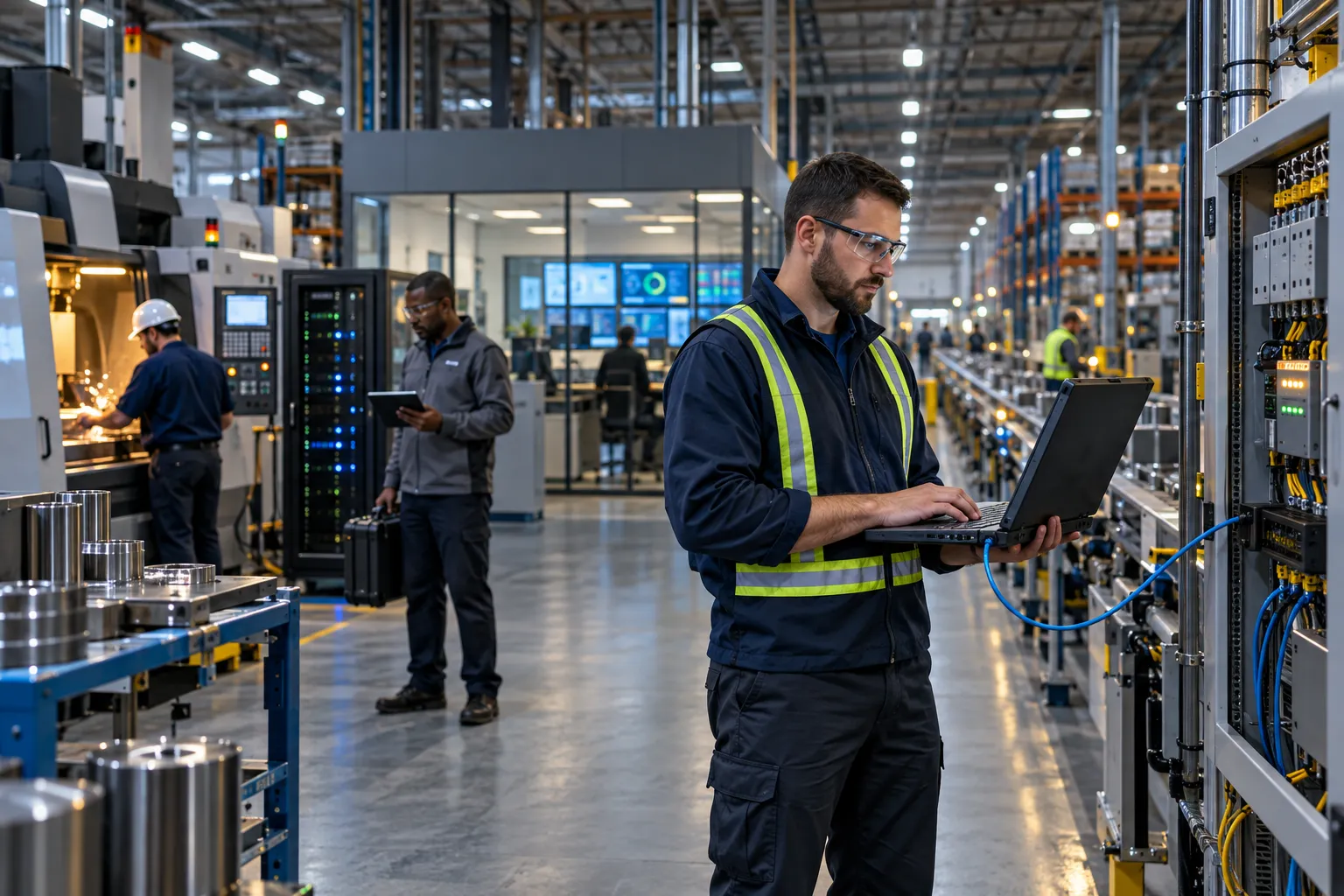
A server alert lands during third shift. The line is running, but scanners cannot reach the manufacturing execution system (MES), and nobody knows whether the fault sits in the plant network or application. In-house IT staff vs outsourced managed IT services for midsize factories? The answer depends on who can respond, understand production, and restore service.
Key Takeaways
- Your choice between in-house staff and outsourced managed IT should be measured in response time to production-floor incidents, not in monthly cost alone.
- In-house teams know your plant well but may lack the depth to cover nights, weekends, and specialized OT systems like manufacturing execution systems (MES).
- Outsourced managed IT brings a broader bench, monitoring, and escalation paths, though you must confirm the provider actually understands manufacturing environments.
- Many midsize factories get the best results from a co-managed arrangement, where an external partner handles specialized work while internal staff keeps production context.
- Whichever model you choose, hold it to operational standards: fast response, root-cause resolution, and accountability for uptime on your production floor.
The choice is not always internal staff or an outside provider. Andromeda Managed IT & OT Services can work alongside an existing IT team through co-managed support, keeping plant knowledge inside while adding coverage and manufacturing-focused expertise.
The 2 a.m. Question: Who Answers When Your Production Line IT Fails?
What a Third-Shift Ticket Looks Like Under Each Model
A third-shift employee reports that a production terminal cannot connect to the enterprise resource planning (ERP) system. With in-house IT, the response depends on whether an employee is on call and knows the system. With outsourced managed IT, it depends on provider coverage, escalation, and the ability to distinguish an office issue from an operational technology (OT) problem.
A ticket alone does not restore production. Someone must identify the affected device, understand its dependencies, and coordinate a safe response. A plant controller or legacy machine may not tolerate routine changes, so an intervention that ignores that constraint can add risk.
Why This Decision Is About Shift Coverage, Not Office Help Desks
Office-hours support can leave a gap when your plant runs evenings, weekends, or rotating shifts. You need to know who triages an incident, when a specialist joins, and how updates reach the plant manager, maintenance lead, or internal IT contact.
Andromeda reports a 1 minute 34 second average time to live tech phone pickup and a 12.0-minute median ticket response time, based on published service metrics. These measures describe initial access and response, not a promise that every incident will be resolved in the same time. Ask any provider to define coverage and escalation in writing.
How We Ranked the Four Staffing Models for Midsize Factories
Compare each model against four factory-specific criteria: shift coverage, fluency with OT and ERP systems, downtime exposure, and accountability. A provider may support laptops well yet lack experience with a flat plant network, an unpatched controller, or an ERP outage affecting order release. Ask how the team identifies root cause and coordinates changes without disrupting production.
We rank co-managed IT first because it can preserve an internal employee’s plant knowledge while addressing coverage and specialist gaps. Full outsourcing, a fully in-house team, and break-fix each fit different operating conditions. Choose for your plant’s needs, not a generic office staffing formula.
Model 1: Co-Managed IT, Where Your Team and a Manufacturing Specialist Share the Load

How Co-Managed IT Works in a Plant Setting
Co-managed IT adds an outside support team to your internal IT function rather than replacing it. Your employee retains plant context, relationships, and daily priorities. The provider can take on agreed responsibilities such as monitoring, security, service desk coverage, network support, or OT and ERP escalation.
Andromeda Managed IT & OT Services offers Co-Managed IT Solutions for organizations that want to augment an existing IT team. Document who owns user tickets, approves changes, contacts the ERP vendor, and responds after hours. Shared responsibility works when handoffs are clear.
Pros and Cons for a Factory With an Existing IT Person or Team
This model can fit when a lone IT employee is buried in tickets but holds important plant knowledge. It adds support without requiring your team to surrender control of internal priorities, and can create time for plant projects, documentation, security work, and planning.
The trade-off worth naming is coordination. Your team and provider need agreed access, escalation rules, change approval, and ownership boundaries. Without them, requests can stall between teams. Co-managed support also does not replace the internal knowledge holder, so plan for that person’s absence or departure.
The Triggers That Point to Co-Managed
Co-managed support is a strong fit when you have an internal IT person or department but cannot staff every shift or maintain every specialty in-house. It can also help when recurring tickets crowd out plant improvements, a new site adds network complexity, or your team needs cybersecurity and compliance support, including CMMC or NIST alignment where applicable.
Choose a provider that learns your equipment and escalation paths before a serious outage. Treat that as a provider-wide benchmark, then confirm commitments and responsibilities in your agreement.
Model 2: Full Outsourced Managed IT for Manufacturers
Pros and Cons When You Have No Internal IT Staff
When no internal IT employee owns support, a managed provider can supply a service desk, monitoring, security administration, and escalation without requiring you to recruit a full department. The provider also needs to understand how office systems connect to OT, ERP, and production workflows. Treating a machine controller like an office computer can create risk during troubleshooting.
Andromeda Managed IT & OT Services focuses on manufacturing IT and OT support, with changes sequenced to protect production uptime. Andromeda reports a 12.0-minute median ticket response time and 97% of issues resolved within 8 business hours. These metrics are a reference point, not a guarantee that every complex plant incident will be resolved within that window.
The trade-off is less immediate physical presence. A remote technician may need a plant contact to check equipment, confirm a safe maintenance window, or coordinate with an automation or ERP vendor. Define those tasks and when on-site support is required.
Monthly Fee vs. Ticket Response: What a Real SLA Should Say
A monthly fee is useful only when you know what it covers. Review the service-level agreement (SLA) for coverage hours, phone access, ticket response, escalation, on-site dispatch, backup monitoring, cybersecurity responsibilities, and exclusions. Ask whether the clock runs after hours and whether production incidents have a different escalation path from routine laptop requests.
Andromeda reports an average live-tech phone pickup of 1 minute 34 seconds. Compare it with written commitments, not a sales presentation. Ask how the team handles an ERP outage, a network fault affecting scanners, or an unpatched legacy controller. The SLA should define response and communication responsibilities while distinguishing initial contact from resolution time.
Confirm in writing how your team will receive status updates, approve changes, and coordinate with equipment vendors. Service measures matter, and so does clear ownership.
The Triggers That Point to Full Outsourcing
Full outsourcing can fit when you have no internal IT staff, cannot recruit manufacturing-relevant expertise, or need consistent support across sites and shifts. It may also suit a plant seeking one accountable provider for user support, network operations, cybersecurity, and technology planning. Confirm the team will document OT dependencies before changes.
For CMMC, NIST, or applicable ISO requirements, ask how the provider supports evidence collection, access controls, and remediation tracking. Outsourcing can supply skills your company lacks, but leadership still owns business decisions and compliance obligations. If you need daily on-site presence or retain a capable internal IT team, a shared model may fit better.
Model 3: Full In-House IT, and What It Really Costs a 200-to-500-Employee Plant
Fully Loaded Cost Table: Salary, Benefits, Tools, Training, and Coverage Gaps
A salary alone does not show the cost of an internal IT function. A 200-to-500-employee plant may also need endpoint management, backup, security tools, network equipment, training, and coverage for absences. Costs vary by region, experience, and plant complexity, so use the table to build a local budget rather than rely on a generic salary estimate.
| Cost category | What to include in your estimate | Factory-specific question |
|---|---|---|
| Compensation | Salary, payroll taxes, benefits, and recruiting | Does the role require OT, ERP, and network experience? |
| Tools and infrastructure | Monitoring, endpoint security, backup, licenses, and hardware | Who maintains separate office and plant network needs? |
| Training and retention | Technical training, vendor instruction, and onboarding | Can the employee support legacy systems safely? |
| Coverage gaps | Overtime, backup coverage, or outside escalation | Who responds during nights, weekends, and vacations? |
The Shift Math: How Many Hires Full 24/7 Coverage Actually Takes
One employee cannot provide continuous coverage while taking time off, attending training, and completing planned work. A 24/7 position represents 168 hours each week. Dividing by a 40-hour workweek gives 4.2 full-time schedules before vacation, sick leave, meetings, and handoffs. Full around-the-clock staffing requires more capacity than that arithmetic minimum.
This is coverage math, not a recommended headcount for every plant. A site may use an on-call rotation, remote escalation, or maintenance staff for specific incidents. Decide which systems need immediate response and which can wait until the next shift, then compare that plan with the production risk of an unanswered alert.
Key-Person Risk and the Vacation-Week Problem
An internal technician may know the plant network, equipment history, and informal workarounds better than an outside team. That knowledge is valuable, but it can become a single point of failure when documentation lives in one person’s memory. A resignation or vacation may leave no one prepared to interpret an alarm or contact the right ERP vendor.
Reduce the exposure with current network diagrams, system inventories, credential controls, vendor contacts, and written escalation procedures. Cross-training takes time but protects continuity when the primary IT contact is unavailable. Documentation also makes outside support easier to coordinate.
Pros, Cons, and Triggers That Point to In-House
Full in-house IT offers physical presence, access to plant contacts, and familiarity with local processes. It can fit when frequent on-site work, specialized internal systems, or coordination with engineering requires dedicated staff. The model is harder to sustain when one person covers user support, cybersecurity, infrastructure, OT troubleshooting, and after-hours incidents.
Costs extend beyond payroll, and manufacturing and OT skills can be difficult to recruit locally. Choose this model when you can fund the roles, backup coverage, and training, then document responsibilities so production does not depend on one person. Otherwise, compare external support with the full cost of staffing the function.
Model 4: Break-Fix, and Why the Cheapest Model Costs the Most Downtime
What Break-Fix Prices In and What It Ignores
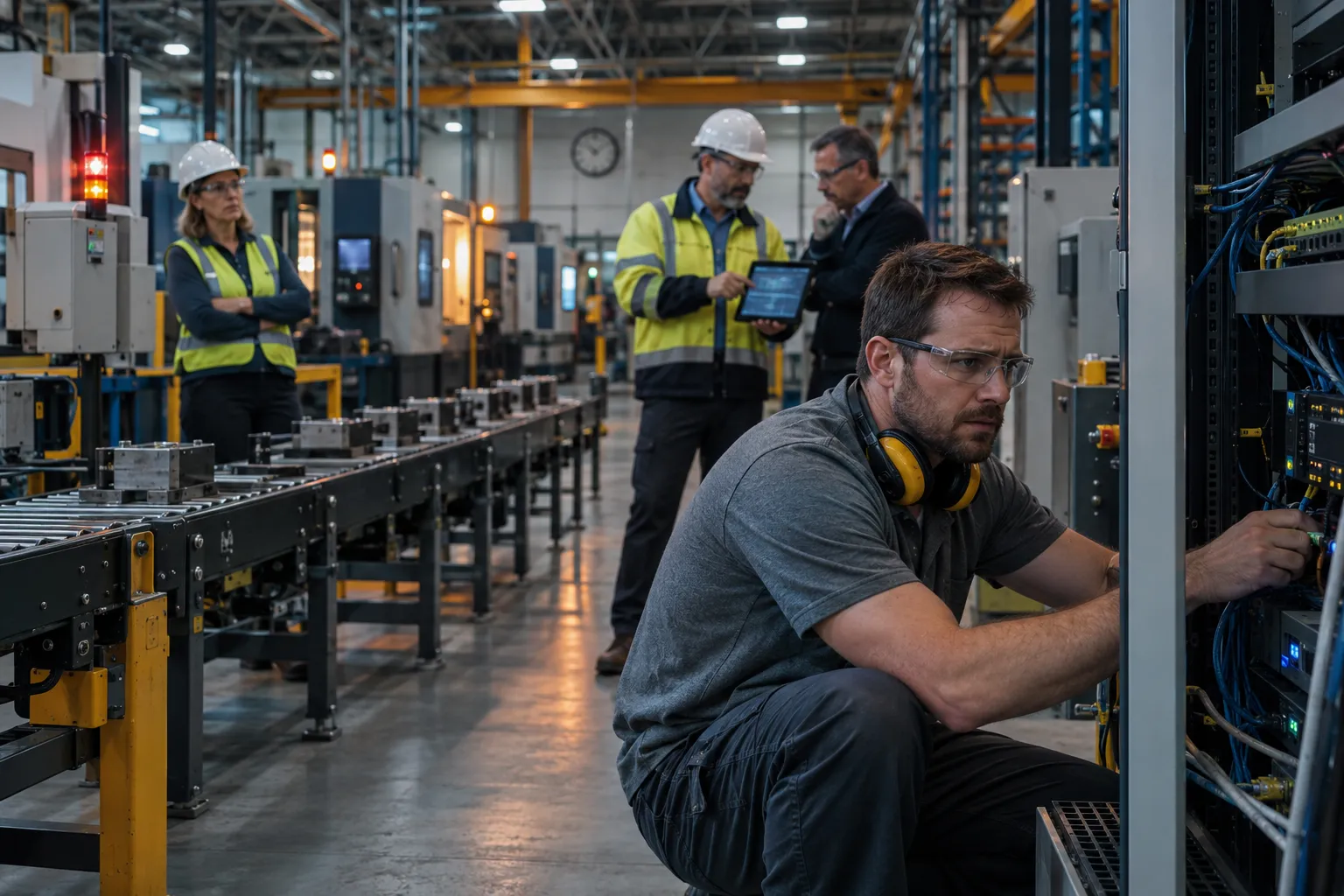
Break-fix bills for repair work after a failure. The invoice may look manageable, but it excludes the time a production system stays unavailable while your team waits for diagnosis, escalation, or an on-site visit. The operational cost shows up as idle labor, delayed orders, overtime, and manual workarounds that can carry into later shifts.
Recurring faults may remain unaddressed until the next incident. A network interruption that disconnects scanners, for example, can generate separate repair calls without anyone owning the underlying cause. Compare the repair fee with exposed production hours, not only with a monthly service quote.
When Break-Fix Is Still Defensible
Break-fix can fit a small operation with limited reliance on connected systems, strong internal technical coverage, and a realistic ability to tolerate delays. It may also serve temporarily while leadership documents the environment and evaluates longer-term support. It is a poor fit when a failed ERP connection, plant network, or shared server can interrupt a shift.
Side-by-Side Comparison and Your Decision Checklist
Comparison Table: Cost, Coverage, OT Fluency, Security, Control, and Accountability
Test each model against your production schedule, equipment, and risk tolerance. Monthly price alone cannot show whether a model covers nights, understands OT, or owns recurring incidents. The right fit makes ownership and escalation clear before a line is waiting for support.
| Model | Cost structure | Coverage and OT fluency | Control and accountability |
|---|---|---|---|
| Co-managed IT | Internal payroll plus a defined provider agreement | Shared coverage; specialist depth depends on provider scope | Internal team retains direction; responsibilities need written boundaries |
| Full managed IT | Recurring service fee, with scope and exclusions defined in contract | Can extend support across shifts; manufacturing fluency must be verified | Provider owns agreed services; plant leadership retains business decisions |
| Full in-house IT | Payroll, benefits, tools, training, and backup coverage | Strong physical presence; shift capacity depends on staffing | Direct internal control; continuity can depend on documentation and team depth |
| Break-fix | Repair charges after incidents | Coverage depends on availability; OT expertise varies | Responsibility often begins after failure, with limited ongoing ownership |
Andromeda Managed IT & OT Services is a manufacturing-focused option for plants comparing shared or full external support. Andromeda reports a 12.0-minute median ticket response time and 97% of issues resolved within 8 business hours. Ask how its service model applies to your sites, shifts, and production systems.
The Five Decision Triggers: Sites, Shifts, Headcount, Uptime Tolerance, Compliance Load
Use these triggers to narrow the field before comparing proposals:
- Sites: Multiple facilities increase the need for consistent access, network standards, and escalation.
- Shifts: Nights and weekends require a documented response path beyond office hours.
- Headcount: More users increase support demand, but system complexity and plant processes matter too.
- Uptime tolerance: If a network or ERP interruption stops shipping, reactive coverage carries more risk.
- Compliance load: CMMC (Cybersecurity Maturity Model Certification), NIST (National Institute of Standards and Technology), and applicable ISO requirements call for documented controls and evidence.
Five Questions That Expose a Generalist MSP Before You Sign
Ask prospective providers for direct answers and examples of how they handle plant dependencies and communicate during incidents.
- Who responds after hours, and how does escalation reach a manufacturing specialist?
- How do you document OT assets, legacy controllers, and dependencies before changing a network?
- Who coordinates with our ERP, machine, and internet providers during an outage?
- What response and resolution measures are written into the agreement?
- How do you support CMMC or NIST readiness, evidence tracking, and remediation ownership?
What the First 90 Days of a Transition Actually Looks Like
A transition starts with access, asset inventories, network diagrams, backup status, and a review of open risks. Your team and the provider then agree on escalation contacts, approval rules, maintenance windows, and which production systems need special handling. Expect interviews and documentation work, not instant familiarity with every machine and workaround.
Andromeda Managed IT & OT Services uses a staged operating model, with assessment and stabilization before longer-term modernization. Andromeda reports that recurring service desk tickets typically show a steady decline within 3 to 9 months after an approximately 3-month normalization period. That is a trend, not a promise for an individual plant.
For a plant weighing in-house IT staff vs outsourced managed IT services for midsize factories?, choose the model that matches your shift coverage, OT knowledge, downtime exposure, and accountability needs. Estimate the hidden cost of recurring interruptions with the IT Drag™ Calculator. If you are ready to discuss your operating conditions, schedule a 30-minute discovery call with Andromeda.
Frequently Asked Questions
How much does it cost to staff IT in-house versus hiring a managed IT provider for a midsize factory?
In-house IT typically costs the salary of one to several full-time employees plus benefits, tools, and training, while a managed provider replaces that with a predictable monthly fee that scales to your needs. The trade-off worth naming is downtime exposure: a lean in-house team can leave shifts uncovered, and one lost production shift can cost more than months of support.
How many in-house IT people does a 200- to 500-employee manufacturer need to cover all shifts?
Covering 24/7 production with internal staff alone usually requires a small team with staggered and on-call coverage, which most midsize plants find difficult to build and retain. That is why many manufacturers choose a provider or co-managed arrangement for after-hours and specialist coverage instead of hiring for every shift.
What happens to production when the only IT person is on vacation or quits?
When a lone IT person is unavailable, tickets stall, escalations have no path, and undocumented knowledge about your plant network and ERP leaves with them. Co-managed IT addresses this by adding a provider who learns your equipment and escalation paths, so coverage and documentation do not depend on one employee.
Can a generalist MSP handle OT and plant-floor systems, or do we need a manufacturing specialist?
A generalist MSP can often handle office systems well but may lack experience with operational technology (OT), flat plant networks, unpatched controllers, and ERP outages that affect order release. A manufacturing specialist knows that a legacy machine controller cannot tolerate routine changes and sequences IT work to protect production uptime.
What is co-managed IT, and when does it beat both full in-house and full outsourcing?
Co-managed IT adds an outside support team to your existing internal IT function rather than replacing it, with documented ownership for tickets, change approval, and after-hours response. It fits best when an internal person holds plant knowledge but cannot staff every shift or specialty, including cybersecurity and CMMC or NIST compliance support.
How do I evaluate a managed IT provider's shift coverage and escalation before signing a contract?
Ask the provider to define in writing who triages an incident at night or on weekends, when a specialist joins, and how updates reach your plant manager. Andromeda publishes a 1 minute 34 second average time to live tech phone pickup and a 12.0-minute median ticket response time as reference points, and initial response speed should not be confused with full resolution.
What are the trade-offs of fully outsourcing IT for a manufacturer with no internal IT staff?
Full outsourcing gives you a service desk, monitoring, security administration, and escalation without recruiting a full department, which suits plants with no internal IT owner. The trade-off worth naming is less immediate physical presence: a remote technician may need a plant contact to check equipment or confirm a safe maintenance window.