In-house IT team vs managed IT services for manufacturing companies
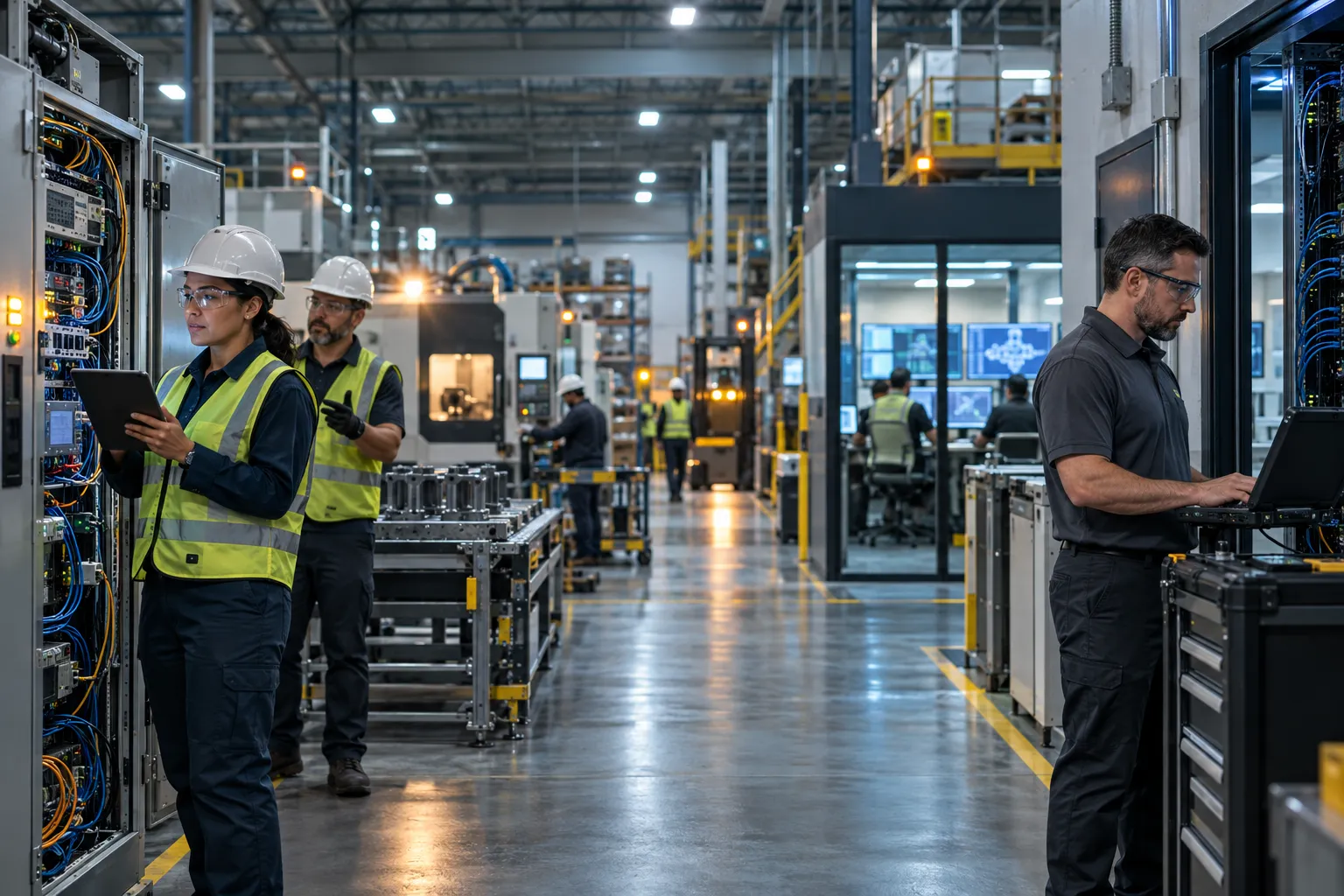
A network drop during second shift can stop barcode scans, delay work orders, and leave supervisors rebuilding the schedule by hand. The in-house IT team vs managed IT services for manufacturing companies decision should start with that production consequence, not a staffing preference.
Key Takeaways
- The right IT model is the one that protects your uptime, your shipping schedule, and your audit readiness, not the one that wins a staffing debate.
- In-house teams bring deep plant knowledge, but a single departure or a bad hire can leave production systems exposed for months.
- Managed IT gives you layered monitoring, faster response times, and predictable costs without adding headcount to your payroll.
- Many mid-size manufacturers get the best results from a co-managed arrangement, where an outside partner handles monitoring and security while your internal team keeps day-to-day control.
- Stability does not come from fixing problems faster. It comes from having fewer problems in the first place.
For a mid-size plant, the right model may keep internal IT in place while adding outside coverage for gaps. Andromeda’s Andromeda Managed IT Services for Industrial/Manufacturing Clients is one option to consider alongside a fully internal team or a shared arrangement.
Why Plant-Floor Uptime Is the Right Test for Your IT Model
What in-house IT and managed IT services mean
An in-house IT team consists of employees who report to your company and handle technology priorities directly. Managed IT services bring in an outside provider for defined support and operating responsibilities. A shared model combines the two, with internal staff retaining plant knowledge and business context while a provider adds capacity or specialist expertise.
How we evaluated each model
We compare the options by their effect on uptime, coverage, root-cause resolution, security, and production continuity. A provider’s response time matters, but so does whether recurring network faults, server issues, or access problems are investigated and documented rather than repeatedly closed as separate tickets.
Use these criteria when assessing the in-house IT team vs managed IT services for manufacturing companies:
- Coverage: Who responds during a shift, after hours, vacations, and staff turnover?
- Plant knowledge: Can the team support operational technology (OT), enterprise resource planning (ERP), manufacturing execution systems (MES), and legacy equipment?
- Change control: Are patching, network changes, and maintenance windows planned around production?
- Accountability: Are ownership, escalation, security tasks, and downtime reporting explicit?
The best fit for a mid-size manufacturer is not automatically a replacement for internal IT. It is the arrangement that keeps production supported when a key employee is unavailable or a plant-specific issue needs expertise beyond the team’s current reach.
Andromeda Manufacturing IT Options to Compare

These Andromeda services address different operating needs. They are not interchangeable packages: one can add capacity to an existing department, another can manage broader daily IT and OT responsibilities, and a third focuses on network infrastructure.
1. Andromeda Co-Managed IT (CoMITS) - Added capacity for internal IT
Best for: A manufacturer with an internal IT lead or department that needs project support, service desk coverage, or specialist help. Co-managed IT keeps internal staff involved and can expand the team’s available expertise without framing the provider as a replacement. It is a fit when your team knows the plant but cannot cover every technical demand alone.
2. Andromeda Full Managed IT/OT Services - Broad operational support
Best for: A plant without internal IT staff, or one seeking an outside team to take responsibility for daily support and planned improvements. Andromeda Managed IT Services for Industrial/Manufacturing Clients provides a managed-services option for industrial and manufacturing environments. Define system ownership, escalation, and change approval before work begins, especially where production equipment depends on older operating systems or cannot be taken offline easily.
3. Andromeda Network Infrastructure Management (NIM) - Network-focused management
Best for: A manufacturer that needs attention on network design, administration, and reliability across data networks and connected devices. NIM addresses infrastructure needs; it is not a substitute for every service desk, cybersecurity, ERP, or internal coordination responsibility. Confirm how network work will be scheduled and who handles issues outside that scope.
In-House IT vs. Managed IT Services: Costs, Coverage, and Control
A salary comparison alone will not show what each model costs your plant or how reliably it can respond. Compare the full staffing commitment, provider scope, decision authority, and backup plan. The in-house IT team vs managed IT services for manufacturing companies choice also depends on whether your current team can cover production systems when competing demands arrive at once.
What an in-house hire really costs
An employee’s salary is only one part of the budget. Include benefits, recruiting, onboarding, training, hardware and management tools, and backup coverage for vacation, illness, or turnover. A single generalist may know your users and equipment well, but expecting that person to cover networking, cybersecurity, ERP, and OT creates a capacity limit. Hiring also takes time, so identify who handles open tickets and urgent plant issues while the role is vacant.
Where a small internal team runs out of coverage
Internal staff have direct access to production leaders and can make day-to-day priorities visible. The trade-off is limited headcount: project work competes with password resets, patching, printer faults, and troubleshooting during shifts. After-hours coverage can be difficult without a rotation or outside backup. A broader provider team may offer additional disciplines, but plant familiarity and clear escalation still need to be established.
What a managed service contract covers, and what it may not
A managed contract can set service desk, monitoring, maintenance, and security responsibilities, with defined response and escalation processes. It can also reduce direct day-to-day control over how routine work is assigned. Provider fit matters: confirm manufacturing experience, service boundaries, excluded systems, approval rights, and how the provider works around production schedules. Review renewal, termination, data access, documentation, and offboarding terms before signing; a poorly defined contract can leave your team dependent on a provider without a workable transition plan.
How security and compliance responsibility differs
Neither model transfers accountability for security or compliance by default. Document who manages account access, multifactor authentication, employee training, endpoint protection, backups, incident escalation, evidence collection, and remediation tracking. If your plant handles controlled information, name the person responsible for each compliance task and agree on how evidence will be maintained. The in-house IT team vs managed IT services for manufacturing companies comparison is incomplete until these duties have clear owners.
| Decision area | In-house team | Managed provider |
|---|---|---|
| Cost structure | Salary, benefits, recruiting, training, tools, and backup coverage | Contract fees, defined service scope, and any excluded work |
| Control and context | Direct priorities and close relationships with plant staff | Provider processes and escalation, with less direct daily oversight |
| Coverage and expertise | Depends on staff size, skills, and backup arrangements | Can add broader technical capacity, subject to contract scope and plant knowledge |
| Production accountability | Set internally through assigned owners and escalation | Must be defined in service levels, change approvals, and reporting |
Why Co-Managed IT Is Often the Practical Middle Ground
When your internal IT lead spends the shift chasing tickets, projects that could improve production keep slipping. Co-managed IT adds outside capacity while your employees retain the plant knowledge and decision context a provider needs to support the business well. Your team remains involved, and responsibilities are agreed upon rather than assumed.
For manufacturers with a small IT department, this can mean extra coverage for specialist work or larger projects without giving up internal leadership. A provider should fit around your priorities, not create a second chain of command.
A responsibility split that keeps internal IT in the lead
Set ownership by task before work begins. Your internal team should retain business context, plant relationships, priorities, and coordination with operations. A provider can add monitoring, specialist coverage, project capacity, security support, documentation, and escalation, with change approval defined for production systems.
| Responsibility | Internal IT | Co-managed provider |
|---|---|---|
| Plant priorities and user relationships | Sets business context and coordinates with operations | Uses agreed priorities when handling requests |
| Daily support and escalation | Handles internal coordination and designated issues | Adds service desk capacity and defined escalation |
| Projects and technical specialties | Sets requirements and approves business impact | Provides additional expertise and project labor |
| Plant changes and documentation | Confirms timing with plant leadership | Documents work and follows approved change windows |
For operational technology (OT), manufacturing execution systems (MES), and enterprise resource planning (ERP), the split must account for equipment constraints. Legacy controllers may not be patchable, and a production line may not have an available maintenance window. Agree on what can change, who approves it, and how work is sequenced before touching connected systems.
Three manufacturer profiles and the model each may need
The right division of work depends on your staffing, sites, and production risks. These profiles show how a shared model can address different gaps:
- Single-plant fabricator with no IT staff: An outside team may need to handle day-to-day IT operations, while a plant leader names priorities and approves changes affecting production.
- Multi-site processor with two IT staff: Internal employees can coordinate users and local needs while a provider adds after-hours coverage, monitoring, and project support across locations.
- Growing chemical producer facing compliance pressure: Internal IT can manage business coordination while a provider supports security tasks, documentation, and compliance readiness. Plant changes still require review against operational and safety constraints.
Andromeda supports two sister manufacturing companies, including a Chicago manufacturer with a small internal IT department that needed help with larger projects, outdated hardware, and 24/7 support. The arrangement added a partner for projects and situations the internal administrator could not handle alone. That is an example of augmentation, not a promise that every plant needs the same division of work.
Measure progress through fewer recurring disruptions
Judge the arrangement by what changes on the floor: fewer repeat network interruptions, clearer escalation during a shift, and less time spent reopening the same issue. Track ticket patterns alongside production-impacting incidents, response ownership, and whether planned work is completed in approved windows. Some initial time is needed to document systems, clarify responsibilities, and establish a baseline.
Andromeda reports that typical clients see a steady decline in service desk tickets within the first 3 to 9 months, after a roughly 3 month normalization period. That is the pattern in our data, not a promise. The useful measure is whether recurring disruptions decline while your internal team keeps its connection to the plant.
Choose a Provider Without Creating a New Uptime Risk
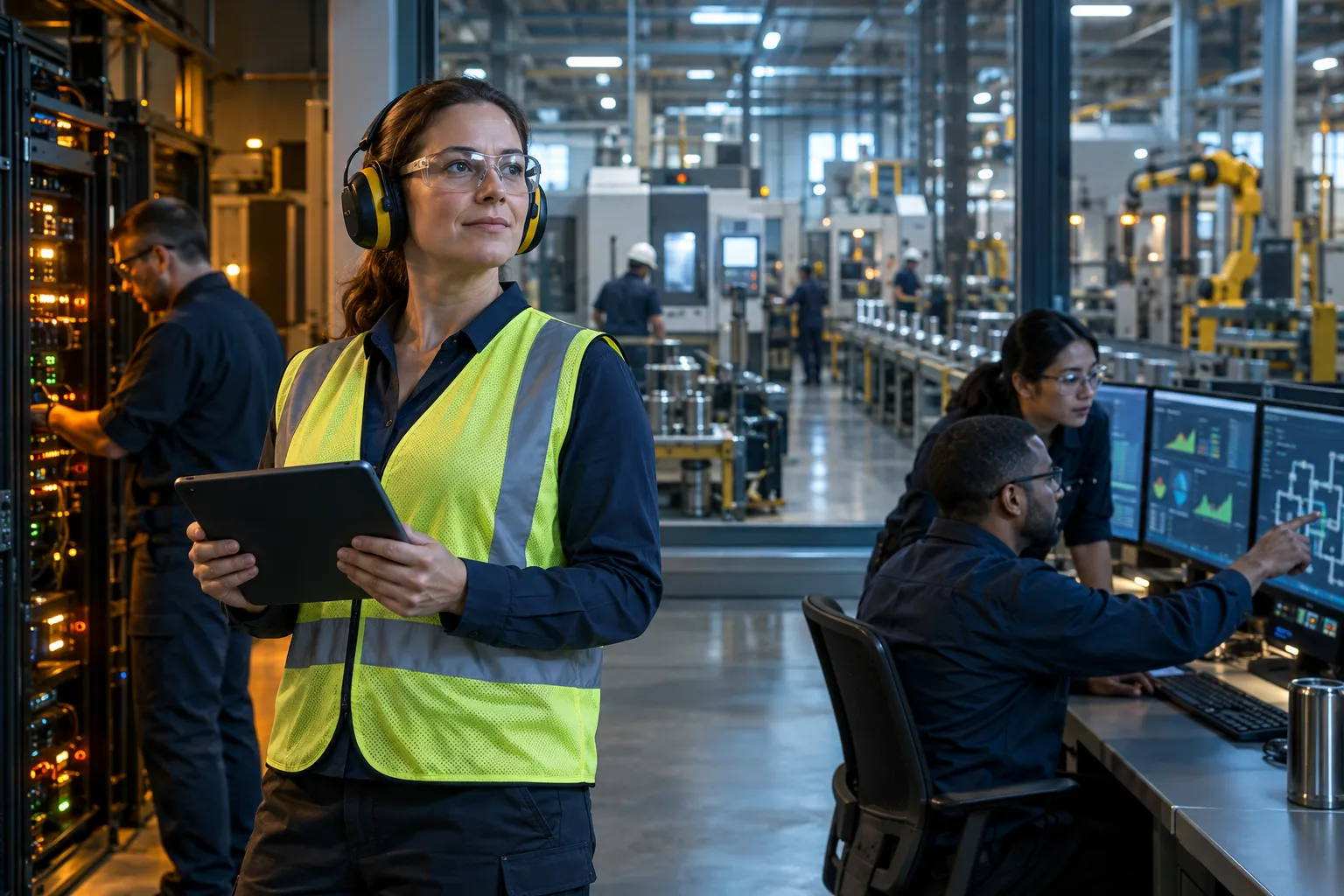
The wrong support arrangement can leave your plant dependent on a single employee or a provider that does not understand production constraints. Before changing IT models, identify where coverage fails today, what skills your team needs, and who must approve changes that could affect the floor. Compare providers on documented ownership and operating practices, not broad promises about supporting manufacturing.
A five-minute decision sequence for your plant
Use these questions to narrow the model before you start interviewing providers:
- Do you have internal IT staff? If not, assess full-service support. If you do, identify which work needs added coverage or specialist capacity.
- Where are the coverage gaps? Check after-hours response, vacation backup, project workload, and recurring issues that never reach root cause.
- How complex is your plant environment? List OT, ERP, MES, connected equipment, legacy controllers, and systems with limited maintenance windows.
- What changes are ahead? Consider hiring needs, new sites, compliance obligations, and projects that your current team cannot schedule.
Your answers should point to a clear split of duties. The decision is not about outsourcing more or hiring more by default. It is about assigning dependable coverage to the work that protects production.
Questions to ask before signing
Ask each provider to explain how its operating process would work in your plant. Look for specific answers on:
- Manufacturing and OT experience, including support for equipment that cannot be patched or taken offline on demand.
- Live escalation during production disruptions, with named ownership through resolution.
- Root-cause review, repeat-incident tracking, and documentation of completed work.
- Change windows, approval steps, and coordination with plant leadership.
- Reporting that connects service activity to recurring disruptions and operational priorities.
Andromeda publishes a 12.0-minute median ticket response time across a trailing 30-day window and an average phone pickup time of 1 minute 34 seconds. Andromeda also reports that 97% of client issues are resolved within 8 business hours. Use published service measures as a starting point, then ask how they are defined and reported for your account.
Contract and offboarding terms to check
Before signing, confirm the service boundaries, exclusions, response commitments, renewal terms, and who owns decisions for production-impacting changes. A long commitment should have a clear operational reason, not just a sales explanation. Be cautious when a provider makes vague OT claims, leaves responsibility unclear, or cannot describe a practical handoff.
Confirm that your business can retrieve current network diagrams, asset records, system credentials, configuration details, and support history if the relationship ends. Agree on transition cooperation and access timelines in writing. Offboarding should not depend on informal promises or a departing technician’s memory.
What a workable next step looks like
For manufacturing companies considering outside coverage, Andromeda Managed IT Services for Industrial/Manufacturing Clients is one manufacturing-focused option to evaluate against your staffing plan, plant systems, and required division of responsibility. Andromeda reports an average employee retention of more than 8 years, supporting continuity as technicians learn the plants they serve.
Choose the model that gives your production floor reliable support, clear ownership, and changes sequenced around operating needs. A 30-minute discovery call can help you assess the fit. If you are not ready to talk, the IT Drag™ Calculator can help identify the daily cost of recurring IT inefficiency.
Frequently Asked Questions
What is a managed service provider in technology?
A managed service provider (MSP) is an outside company that takes defined responsibility for your IT operations, such as service desk support, monitoring, patching, maintenance, and security. For a manufacturer, the value shows up on the floor: fewer network drops mid-shift and recurring issues investigated at the root rather than closed as repeat tickets.
What are the pros and cons of in-house IT versus outsourcing?
An in-house team gives you direct plant knowledge, easy access to production leaders, and day-to-day control, but limited headcount means projects compete with password resets and after-hours coverage is hard to arrange. Outsourcing adds capacity and specialist skills like OT and ERP support, though it can reduce control over how routine work is assigned and requires a well-defined contract.
What services does an IT company provide for manufacturers?
A manufacturing-focused IT company provides service desk support, network infrastructure management, cybersecurity and compliance help, backup and business continuity, and guidance on systems like ERP, MES, and operational technology (OT). Andromeda offers full Managed IT/OT Services, Co-Managed IT for plants with internal staff, and Network Infrastructure Management (NIM) for network reliability.
What is co-managed IT and when does it make sense for a manufacturer?
Co-managed IT keeps your internal IT lead or department in place while an outside provider adds capacity, service desk coverage, or specialist expertise. It makes sense when your team knows the plant well but cannot cover every technical demand alone, such as project work or OT support during vacations and turnover.
What does a managed IT services contract actually cover?
A managed IT contract typically sets responsibilities for the service desk, monitoring, maintenance, and security, with defined response and escalation processes. Before signing, confirm manufacturing experience, excluded systems, change approval rights, and how the provider works around production schedules, plus renewal, termination, and documentation terms.
How much does an in-house IT hire really cost a mid-size plant?
An in-house hire costs more than salary once you add benefits, recruiting, onboarding, training, tools, and backup coverage for vacation, illness, or turnover. A single generalist also creates a capacity limit when networking, cybersecurity, ERP, and OT demands arrive at once, and someone must cover open tickets while the role is vacant.
How should a manufacturer decide between in-house IT and managed services?
Judge the choice by what happens on the production floor, not by staffing preference. Compare each model on shift and after-hours coverage, plant knowledge across OT and ERP systems, change control around production windows, and accountability for root-cause resolution. For many mid-size plants, the right answer keeps internal staff and adds outside coverage for gaps.