
what managed IT services should I choose if I run a metal fabrication shop with legacy equipment
When a Windows 7 machine PC fails mid-shift, the press may stop even though its controller is still running. If you are asking, “what managed IT services should I choose if I run a metal fabrication shop with legacy equipment,” look for support that protects production, isolates equipment that cannot be patched, and understands shop-floor connections.
Key Takeaways
- Choose a provider that understands how fabrication equipment connects to the network, because a shop-floor outage affects throughput before it ever affects an IT ticket queue.
- Legacy machines running unsupported operating systems cannot be patched, so the right approach is network segmentation that limits what can reach them.
- Look for proactive monitoring and root-cause resolution rather than break-fix support that shows up after a shift has already been lost.
- Ask any prospective provider how they sequence IT changes around production schedules so planned work never stops an unplannable maintenance window.
- Specialists in manufacturing IT, such as Andromeda, focus on protecting uptime and reducing recurring issues rather than just closing tickets.
The decision is about service order, not a software shopping list. Andromeda Managed IT & OT Services covers managed information technology (IT) and operational technology (OT), with changes sequenced to protect production uptime.
The Real Question: What Managed IT Services Should a Metal Fabrication Shop With Legacy Equipment Choose?
Choose a provider that treats the office and production floor as different operating environments. Start with responsive support, network visibility, segmentation, and monitoring for older machine PCs, programmable logic controllers (PLCs), and human-machine interfaces (HMIs). Then plan security and recovery for equipment that cannot be patched. Put modernization on a documented roadmap, after basic containment and reliable support.
What a Fabrication Shop Actually Needs From IT (and What an Office Does Not)
A fabrication shop depends on more than email and file access. Machine controllers may run Windows XP or Windows 7, while estimating, scheduling, enterprise resource planning (ERP), job tracking, and inspection records rely on connected systems. A routine office laptop change can interrupt a machine’s connection to a controller or production application.
Here is what that looks like on the floor:
- A machine PC fails, and operators cannot load or verify a job.
- A shop-floor switch stops passing traffic between equipment and production systems.
- Job data has to be entered twice because ERP and machine data do not connect.
- Coolant, dust, heat, or electrical noise contributes to failures that office-focused troubleshooting may miss.
Why Generalist MSPs Break Fabrication Shops
Shop-floor equipment has different tolerances for change. A legacy controller may not support a routine update, and a brief interruption can delay a cut list, work order, or shipment. Treating office and production systems alike can add risk without fixing the original problem.
Ask whether the provider documents machine dependencies, checks with production before changes, and knows when not to touch a controller. Experience with manufacturing execution systems (MES), ERP connections, machine vendors, and maintenance windows helps keep changes controlled rather than merely closing tickets.
Buy in This Order: Isolation and Monitoring First, Modernization Second
“Cannot patch” does not mean “leave it alone.” NIST guidance for legacy and unsupported systems supports risk reduction through measures such as isolation and monitoring. Segmentation limits which systems can communicate with a machine, while monitoring helps surface unexpected connections or activity. The controller can remain unchanged while its network paths are controlled.
Next, establish recovery procedures and define vendor remote access. Plan replacements or upgrades after documenting machine dependencies, application compatibility, and production windows. The recommended Andromeda Managed IT & OT Services approach follows that sequence: contain risk first, then modernize according to operational need.
Decision rule: Stabilize support, isolate and monitor equipment that cannot be patched, and schedule modernization around production requirements.
The Service Menu: Mapping MSP Line Items to Shop-Floor Outcomes
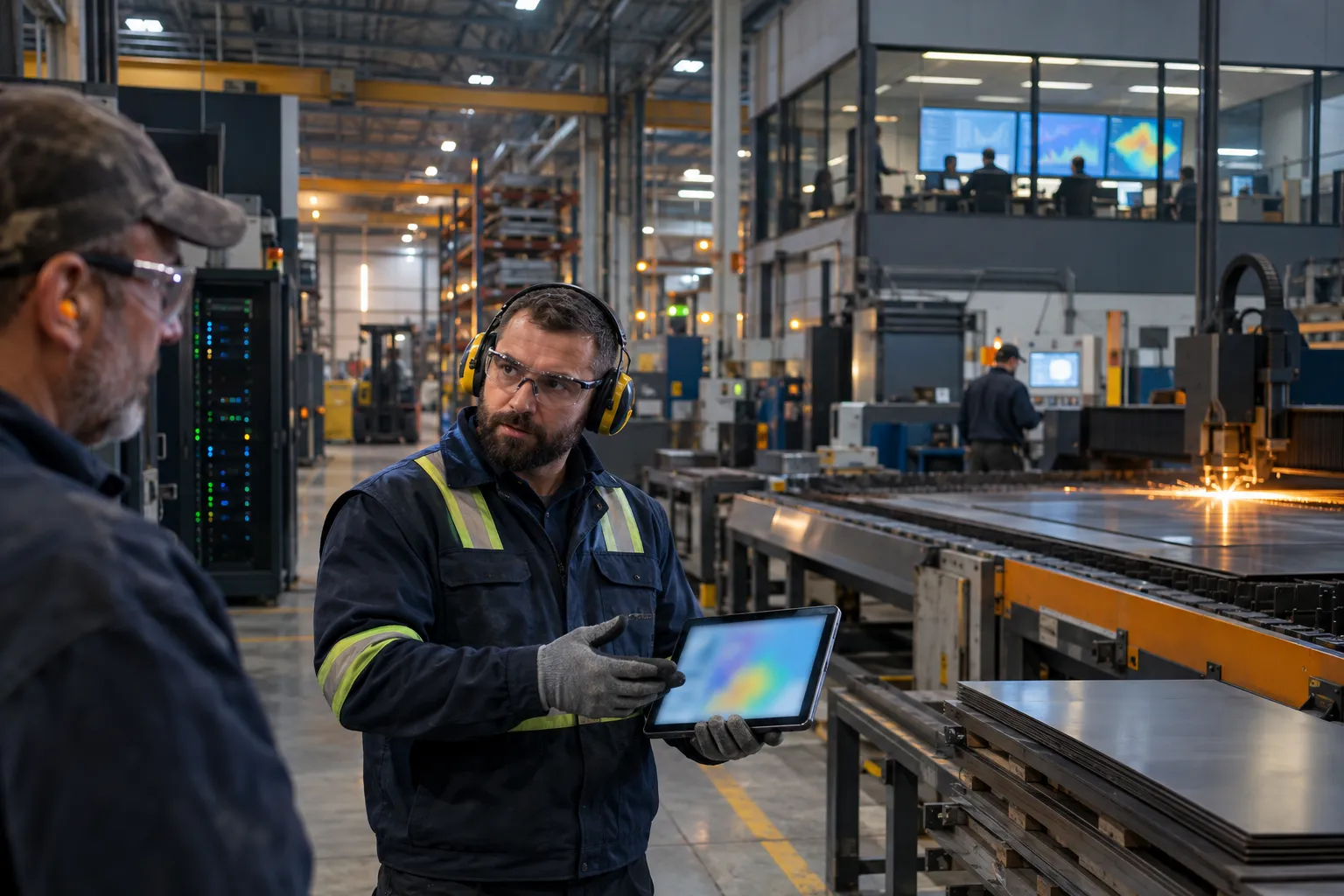
A service description matters when it explains what happens during a production problem. Ask how each line item affects recovery time, shift hours, job records, and delivery commitments. Use the table to check what your team should ask before signing.
| Service area | Shop-floor outcome to verify | Buying question |
|---|---|---|
| Live support and escalation | A failed machine PC reaches a technician who can assess production impact and coordinate next steps. | Who answers, and how does an urgent floor issue move through escalation? |
| Network management and segmentation | Office laptops, production systems, and legacy controllers have defined communication paths. | Will the provider map dependencies and test changes before restricting traffic? |
| Cybersecurity and compensating controls | Unpatchable equipment has safeguards suited to its limitations. | Can the provider explain isolation, monitoring, access controls, and exception handling? |
| Backup and business continuity | Critical configurations and business data have a documented recovery process. | What is backed up, and has recovery been tested with production dependencies in mind? |
| ERP, MES, and technology integration | Job and machine data move through documented interfaces rather than informal workarounds. | Who owns troubleshooting when an integration crosses vendor boundaries? |
Help Desk and On-Site Support: What Responsive Looks Like When a Machine PC Fails Mid-Shift
Fast acknowledgement matters, but the response process must also identify whether a failure affects one workstation, a network path, or a production application. These are published service measures, not a promise that every machine failure will be resolved within the same window.
Ask how urgent incidents are prioritized, when on-site support is available, and who coordinates with your maintenance lead or machine vendor. A clear escalation path helps your team decide whether to pause work, use a documented workaround, or protect the current job from data loss.
Network Management and Segmentation: Separating Unpatchable Machines From Office Laptops
Shop-floor equipment should not have unrestricted access to office devices just because both need a network connection. Segmentation separates systems into controlled zones, limiting traffic to legacy controllers while preserving required connections to ERP, file services, or engineering workstations. The design must reflect actual machine dependencies, not a generic diagram.
Ask for a network map showing switches, wireless access points, production cells, and approved communication paths. Test and schedule changes with production, especially when a machine depends on a fixed address or vendor-supported connection.
Security and Compensating Controls for Equipment That Cannot Be Patched
Compensating controls are safeguards used when a direct fix, such as patching an unsupported operating system, is unavailable. Measures for a legacy controller can include restricting inbound connections, limiting user and vendor access, monitoring network activity, and recording why an exception remains. These controls reduce exposure but do not make unsupported equipment equivalent to a supported system.
Ask the provider to document the equipment, its exposure, controls, and remaining risk. Where applicable, align that record with your security and compliance requirements, including NIST guidance or Cybersecurity Maturity Model Certification (CMMC) obligations. Choose controls tied to identified risks and operational constraints, not a tool name without a clear purpose.
Backup, Disaster Recovery, and Vendor Remote-Access Policy for Legacy Systems
A backup plan should cover more than office files. Confirm whether it protects relevant machine configurations, production data, application servers, and ERP records, then ask how recovery is tested. A backup that cannot restore a required configuration or connection may not help the shop resume a job.
Vendor remote access should be approved, limited to required systems, and disabled when no longer needed. Agree who authorizes and records a session, and how urgent repairs are coordinated without leaving a permanent open route into the production network.
ERP, MES, and Job-Tracking Support: Owning the Integration Nobody Else Does
When ERP, MES, and machine data do not agree, employees may re-enter job details, reconcile production records, or work from stale schedules. Ask whether the provider will document data flows and coordinate with software and machine vendors when an integration fails. Ownership should be explicit when IT and OT responsibilities overlap.
Andromeda reports a 1 minute 34 second average time to live tech phone pickup and 8+ years average employee retention. The first measures how quickly a call is answered; the second speaks to continuity as technicians learn your equipment, network, and production dependencies.
Comparison Table: Break-Fix, Generalist MSP, Manufacturing-Specialized MSP, or Co-Managed IT
The right service model depends on your internal IT capacity, production systems, and who can safely manage changes. For a shop with legacy machine PCs, check whether the provider can work within production constraints and document decisions. Use this comparison to find a starting fit, then verify scope, exclusions, and escalation terms in the contract.
The Four Options at a Glance
| Service model | What it provides | Likely fit | Watch for |
|---|---|---|---|
| Break-fix | Support after an incident, usually billed by service call or labor. | A very small operation with limited reliance on connected systems and internal capacity to handle routine maintenance. | Response timing, repeat failures, and no ongoing ownership of network documentation or risk controls. |
| Generalist managed service provider (MSP) | Ongoing support and standard IT administration for office systems. | A shop whose production systems have few dependencies on legacy equipment, or whose OT support is separately covered. | Whether the contract includes shop-floor systems, machine-vendor coordination, and production-aware change control. |
| Manufacturing-specialized MSP | Managed IT and operational technology (OT) support designed around production dependencies. | A shop with connected machine PCs, programmable logic controllers (PLCs), production applications, or limited maintenance windows. | Confirm the provider’s practical OT experience, scope boundaries, and process for testing changes. |
| Co-managed IT | External support that works alongside an internal IT lead or team. | A shop with internal technical ownership that needs added capacity or specific manufacturing expertise. | Define who owns each system, incident, vendor relationship, and approval. |
Where Each Option Fits and Where It Does Not
Break-fix may suit a small shop with few connected systems, but planning, documentation, and risk controls remain with your team. A generalist MSP can cover office support yet may lack experience with machine dependencies or equipment vendors. The service scope, not the label, determines whether the model matches production risk.
A manufacturing-specialized provider may fit when a machine PC failure can halt a job or unsupported equipment needs isolation and monitoring. Co-managed IT fits when an internal lead directs priorities and needs added coverage or OT knowledge. Andromeda Managed IT & OT Services is one option to evaluate. Confirm which production assets and responsibilities the agreement includes.
How Pricing Structures Differ (Per-User, Per-Device, Per-Machine, Flat Fee)
Pricing may be per user, device, machine, or a flat monthly fee. Per-user plans can be easy to forecast for office support; per-device or per-machine pricing may better reflect shared terminals and dedicated controllers. A flat fee can simplify budgeting when the contract defines covered assets and service limits.
Ask how after-hours support, on-site visits, projects, vendor coordination, and excluded legacy equipment are billed. Request a written asset schedule and a process for adding machines or locations. Compare the monthly cost with the work assigned by the agreement, not just its headline rate.
The MSP Scorecard: 12 Test Questions and Evaluation Criteria for Vetting OT Depth
A polished proposal does not show how a provider will respond when a machine controller stops communicating mid-shift. Vet how the provider learns your plant, controls change, handles unsupported systems, and keeps knowledge through staff changes. Ask for examples of the documentation or procedures behind its answers.
Five Evaluation Criteria That Separate Plant-Literate Providers From Marketing Copy
Assess production-aware escalation, OT and machine-network experience, change control, continuity of technician knowledge, and measurable accountability. Look for specific actions, such as documenting communication paths before segmentation or coordinating a maintenance window with production. General assurances do not explain how work will be done.
- Production context: Does the provider identify which jobs, shifts, or machines an incident affects?
- OT judgment: Can technicians explain how they handle systems that cannot be patched?
- Change control: Are testing, approvals, rollback plans, and scheduling documented?
- Knowledge continuity: Are asset records and system dependencies available to the support team?
- Accountability: Do service reports show response, resolution, recurring issues, and open risks?
Discovery Call Test Scripts: Questions That Expose a Generalist in Under Ten Minutes
Ask these questions and listen for a practical sequence, not a product list:
- “A Windows 7 machine PC cannot be patched. How would you reduce its exposure without interrupting production?”
- “What would you map before separating a legacy controller from office devices?”
- “A vendor needs remote access to diagnose a machine. How do you approve, limit, and record that session?”
- “A network change disrupts a production connection. Who can authorize rollback, and how is the issue escalated?”
- “How do you handle an ERP-to-machine data problem when multiple vendors share responsibility?”
- “What records would your team leave behind after troubleshooting a recurring controller connection failure?”
Strong answers acknowledge dependencies and operating constraints before proposing a change. If the provider jumps to patching, rebooting, or replacement, ask how production approval and recovery would work.
Technician Tenure, Documentation, SLA Accountability, and Change Control
High technician turnover can leave your team repeating machine and network history with every ticket. Ask how long technicians typically stay, who maintains plant documentation, and how new technicians learn your environment. These measures prompt useful questions about reporting, but do not establish the outcome for every incident.
Require written service-level expectations, escalation contacts, maintenance approvals, and records of production-system changes. Evaluate Andromeda Managed IT & OT Services against those criteria. Request sample reports and confirm how missed commitments, repeat issues, and emergency changes are reviewed.
Your First 90 Days: An Onboarding Roadmap Sequenced Around Production

Changing IT support should not mean changing the production floor before anyone understands it. During the first 90 days, prioritize machine dependencies, shift schedules, and safe maintenance windows. For a shop asking, “what managed IT services should I choose if I run a metal fabrication shop with legacy equipment,” choose a provider that assesses first, controls changes, and documents remaining risks.
Andromeda Managed IT & OT Services follows a phased operating model for production environments. This schedule is a planning framework, not a requirement to make disruptive changes by a fixed date.
Days 1-30: Assess and Align Without Stopping a Shift
Start with discovery and observation. Inventory machine PCs, programmable logic controllers (PLCs), human-machine interfaces (HMIs), switches, production applications, and vendor connections. Record operating systems, dependencies, business owners, and backup or recovery procedures. Review incident history with operators and maintenance staff to find repeat failures affecting job flow.
Agree on priorities, escalation contacts, and change approvals. Schedule testing around production, and identify who can approve a rollback if a change affects a machine or application.
Days 31-60: Segment, Monitor, and Stabilize the Legacy Floor
After documenting dependencies, address the highest-priority exposure and reliability gaps. This may include restricting access to unsupported controllers, reviewing vendor remote-access paths, and monitoring important network connections. Test segmentation against required machine traffic before enforcing restrictions. Keep operators and maintenance leads informed about timing and scope.
Use incident records to distinguish one-time failures from recurring causes, such as a switch fault or unreliable connection. Leave useful network documentation and a clear escalation path, not just closed tickets.
Days 61-90: Harden, Document, and Set the Modernization Roadmap
Update recovery procedures and document approved exceptions for equipment that cannot yet be patched or replaced. Confirm protection for critical configurations and business data, and check that recovery steps account for production dependencies. Rank modernization by operational risk, supportability, and required production windows. A machine replacement may be the right long-term move, but it needs a documented plan.
Andromeda Managed IT & OT Services can be evaluated against this phased approach, including how responsibilities and remaining risks are recorded.
What Realistic Improvement Looks Like (and When)
Expect an initial normalization period while the provider learns your systems, builds documentation, and separates urgent issues from recurring causes. Andromeda reports that typical clients see a steady decline in service desk tickets within 3-9 months after an approximately 3-month normalization period. A documented case study found roughly a 50% decrease in IT issues at a Chicagoland multi-site manufacturer. That pattern is evidence to discuss, not a promised outcome for every shop.
Practical verdict: Protect production first, then use documented operating evidence to decide which systems need modernization. If you are still weighing “what managed IT services should I choose if I run a metal fabrication shop with legacy equipment,” schedule a low-pressure discovery call or start with Andromeda’s IT Drag™ Calculator.
Frequently Asked Questions
What managed IT services should I choose if I run a metal fabrication shop with legacy equipment?
Choose a provider that treats your office and production floor as different operating environments. Start with responsive support, network visibility, segmentation, and monitoring for older machine PCs, PLCs, and HMIs, then plan security and recovery for equipment that cannot be patched. Modernization comes last, on a documented roadmap built around production windows.
Why does a fabrication shop need different IT support than a typical office?
A fabrication shop depends on machine controllers that may run Windows XP or Windows 7, while offices run current, patchable systems. A routine laptop replacement or switch change can interrupt a machine's connection to a controller or production application. Support that does not understand shop-floor dependencies can stop production while trying to help.
Why do generalist MSPs struggle with legacy manufacturing equipment?
Generalist MSPs often treat office and production systems the same, applying routine updates that legacy controllers may not support. A brief interruption can delay a cut list, work order, or shipment. Look for a provider that documents machine dependencies, checks with production before changes, and knows when not to touch a controller.
How do you secure equipment that cannot be patched?
Unpatchable equipment can be secured through network segmentation and monitoring rather than software updates. Segmentation limits which systems can communicate with a legacy controller, while monitoring surfaces unexpected connections or activity. This follows NIST guidance for legacy systems: the controller stays unchanged, but its network paths are controlled.
What should I look for in an IT help desk when a machine PC fails mid-shift?
Look for fast acknowledgement plus a response process that identifies whether the failure affects one workstation, a network path, or a production application. Ask how urgent incidents are prioritized, when on-site support is available, and who coordinates with your maintenance lead or machine vendor. A clear escalation path helps you decide whether to pause work or protect the current job.
What questions should I ask before signing an MSP contract for my shop?
Ask how live support escalates an urgent floor issue, whether the provider will map network dependencies and test changes before restricting traffic, and how unpatchable equipment will be isolated and monitored. Also ask what exactly is backed up, whether recovery has been tested with production dependencies in mind, and who owns troubleshooting when an ERP or MES integration crosses vendor boundaries.
When should a fabrication shop modernize legacy equipment?
Plan replacements or upgrades only after documenting machine dependencies, application compatibility, and production windows. Containing risk through isolation and monitoring comes first, and modernization follows operational need rather than a vendor's sales schedule. This sequencing protects uptime while reducing exposure from unsupported systems.